📘 Defined Terms Detection – Smarter, Faster, and More Accurate Legal Term Tracking

2 min read

Defined terms are the backbone of every contract - but tracking them manually across long, multi-part documents can be tedious and error-prone.
That’s why we built Defined Terms Detection, a powerful feature that automatically finds, tracks, and validates all defined terms across your agreements.

🔍 What It Does

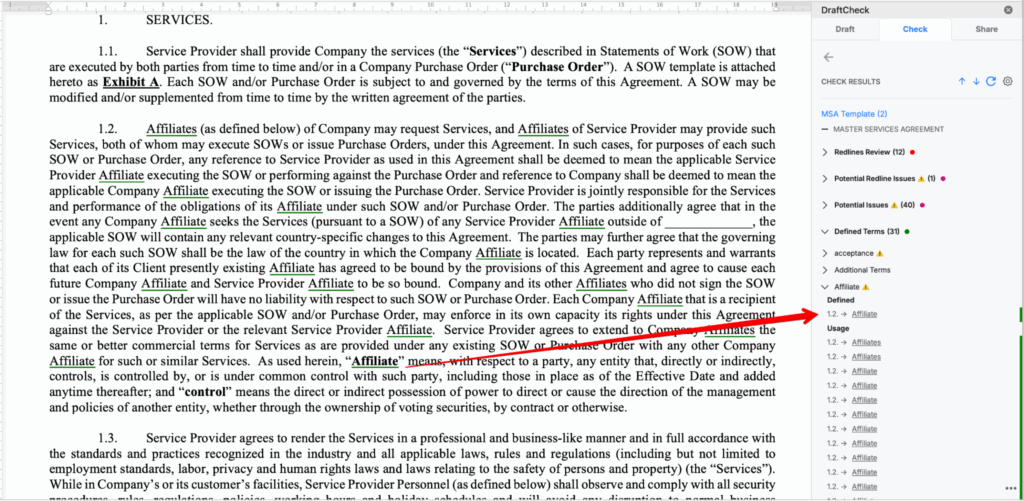
Defined Terms Detection automatically scans contracts and legal documents to identify all defined terms - whether they’re written in quotes or defined using formal legal phrases.

It ensures every defined term is consistently recognized and tracked across main documents and sub-documents, giving reviewers complete confidence in their definitions.

⚙️ Key Capabilities

Flexible detection
Detects terms written in quotes (“ ”, ‘ ’, « ») or in definition phrases like:

“... means ...” or “... is defined as ...”

Plural & singular recognition
Understands variations like:

“Party” ↔ “Parties”
Even for irregular forms such as analysis/analyses or appendix/appendices.

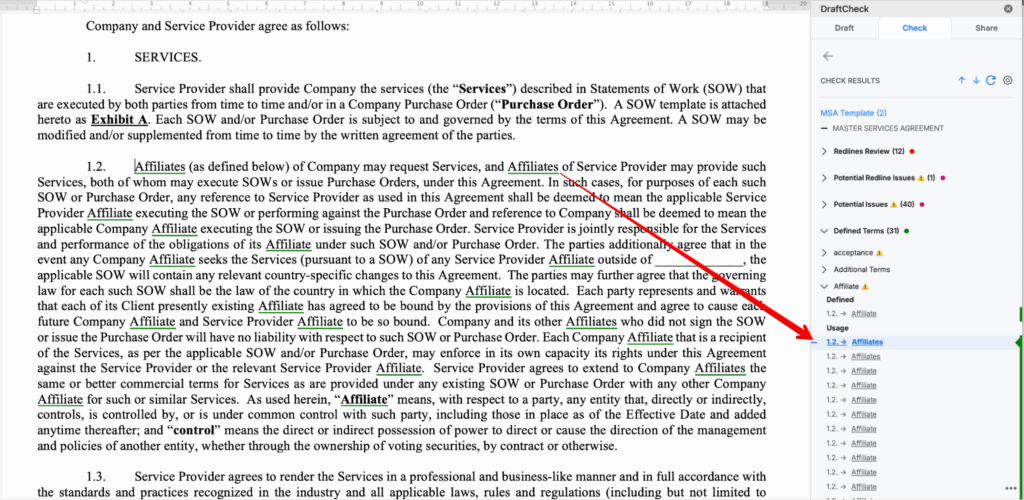
Usage awareness
Handles possessive forms (e.g., Customer’s) and ignores punctuation (Investor. → Investor).

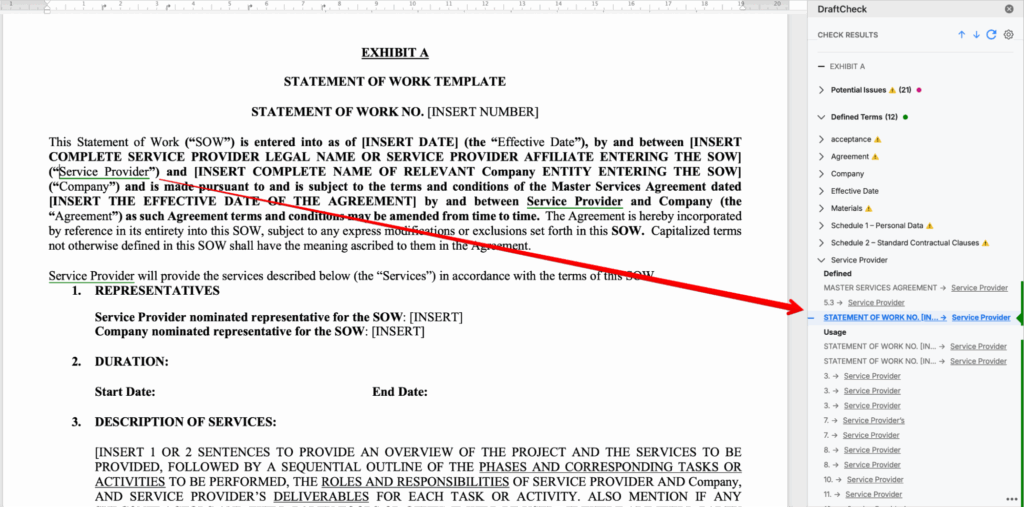
Cross-document tracking
Links definitions across main and sub-documents, automatically flagging any duplicated definitions.

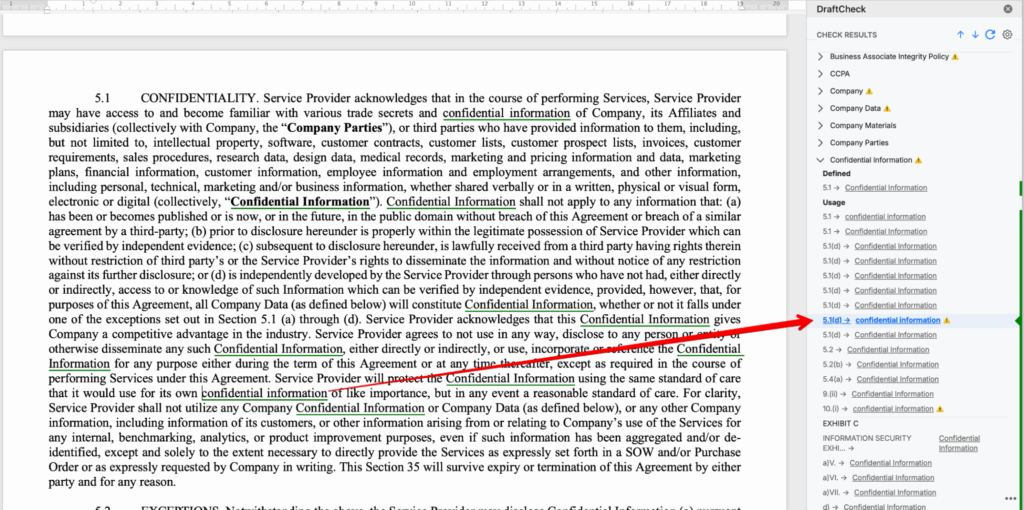
Capitalization logic
Detects miscapitalized uses (Confidential Information vs confidential information) and smartly manages ALL CAPS exceptions.

Error handling
Shows miscapitalized or duplicated terms with clear error flags.
Automatically excludes smaller terms appearing inside larger ones (e.g., Customer vs Customer Purchase Credit).

Why it matters

  • Saves time: No manual searching for definitions.
  • Increases accuracy: Ensures all uses of defined terms are caught.
  • Improves compliance: Flags errors and inconsistencies instantly.
  • Supports clean contracts: Works seamlessly across complex, multi-doc agreements.

Product

Company

DraftCheck_Logo-R2