How To: Use DraftCheck for Google Docs with our Google Chrome Extension
👋 Welcome to DraftCheck — Your Doc-Perfecting Sidekick!
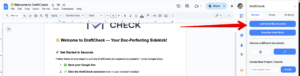
Follow these simple steps to activate DraftCheck's Google Chrome Extension to use DraftCheck with Google Docs!
-
- Navigate to Google Docs in your browser and open the document you’d like to work on.
-
- Click the puzzle piece icon (Extensions) in the top-right corner of your browser.

-
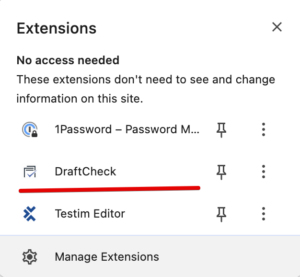
- Find DraftCheck in the list.
-
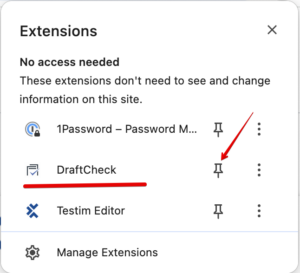
- Click the pin icon next to DraftCheck. The icon will now always appear in your toolbar.
-
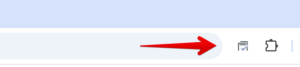
- Click the DraftCheck Extension Icon
-
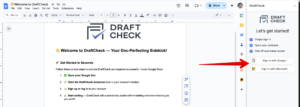
- Sign up or log in to your account
-
- ✍️ Start checking your docs — DraftCheck will automatically assist with formatting and error-checking as you work!
📌 Pro Tips
- Don’t see anything? Try refreshing the page after clicking the extension icon.
- Make sure DraftCheck has permission to access Google Docs.
